

Our Verdict
Cloud backup excels when you need off-site protection and easy access from multiple devices. Local backup shines when speed, privacy, and no recurring fees are priorities. For most everyday users, combining both approaches gives the most complete safety net — but even one reliable backup is far better than none.
Anyone who stores irreplaceable files — family photos, tax documents, creative work — and wants to understand their options before a data emergency strikes.
Why Backup Method Matters More Than You Think
Losing files is rarely dramatic until it happens. A hard drive fails, a laptop gets stolen, or ransomware locks you out — and suddenly years of family photos or important documents are gone. The good news is that backing up your data is straightforward once you understand how the two main approaches actually work.
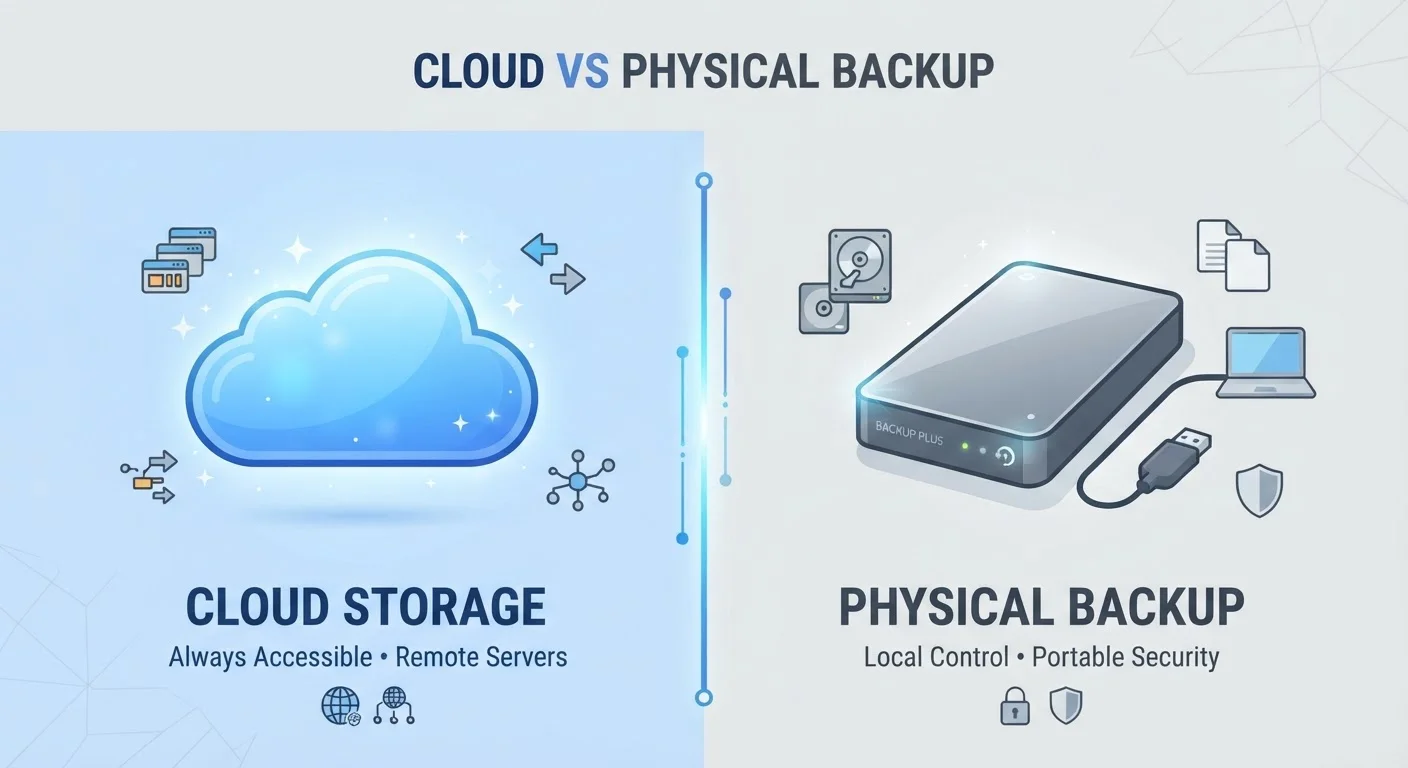
Cloud backup stores copies of your files on remote servers maintained by a third party, accessible over the internet. Local backup stores copies on a physical device you own — typically an external hard drive or a USB drive kept at home or in your office. Each method protects against a different set of risks, which is why comparing them side by side matters.
If you're also thinking about how digital storage fits into your broader device setup, our explainer on smartphone storage and the cloud breaks down those concepts clearly.
The Case for Cloud Backup
Cloud backup's biggest advantage is location independence. If your home is damaged by a fire, flood, or burglary, a local drive stored next to your computer is at risk too. Cloud copies live elsewhere, untouched.
Protected from local physical disasters
Cloud copies survive fires, floods, and theft that would destroy an on-site drive, giving you off-site protection without renting a storage unit.
Automatic, set-and-forget backups
Most cloud services back up files continuously or on a schedule without any manual steps, removing the most common cause of backup failure: human forgetfulness.
Accessible from any device or location
You can retrieve files from a different computer, tablet, or phone as long as you have internet access and your account credentials.
Scalable storage without new hardware
Adding more storage capacity typically means upgrading your plan rather than buying and managing additional physical drives.
Automatic syncing is another practical win. Most cloud backup services run quietly in the background, protecting new files without any action on your part. That removes the most common backup failure: forgetting to do it.
The trade-off is internet dependency. Large initial uploads can take hours or even days on a slow connection, and restoring a full hard drive over the internet is far slower than pulling files from a local drive sitting right next to you. Monthly subscription fees also add up over time — something worth factoring in alongside the convenience.
The Case for Local Backup
Local backup offers speed and control that cloud services can't match. Transferring files to or from an external drive connected by a cable is far faster than any internet-based restore, which matters greatly if you need to recover quickly after a failure.
Slow restore speeds over the internet
Downloading a large backup can take many hours or longer depending on your connection speed — a significant problem if you need files urgently.
Recurring subscription costs
Cloud storage plans charge monthly or annually, which can exceed the one-time cost of a local drive over several years of use.
Requires a reliable internet connection
If your internet goes down or is slow, backups may not complete and restores may be impossible until connectivity is restored.
Data is held by a third party
Your files pass through and are stored on servers you don't control, which raises privacy and security considerations for sensitive documents.
There are no recurring fees once you own the hardware, and your files never travel through a third-party server — a meaningful consideration for anyone handling sensitive documents or personal data.
The core weakness is physical vulnerability. A local drive stored in the same room as your computer faces identical risks: theft, fire, flooding, or simple hardware failure. It also requires manual effort or scheduled automation to stay current — an easy habit to let slip.
Don't Store Your Backup Next to Your Computer
A local backup drive kept in the same bag as your laptop, or on the same desk, is exposed to the same theft or damage event. If you rely on local backup, consider keeping the drive in a separate room or even a fireproof case. For truly critical files, an off-site copy — whether at a relative's home or in the cloud — provides a meaningful extra layer of protection.
Combining Both: The 3-2-1 Strategy
Many data-recovery professionals suggest the 3-2-1 backup rule as a practical framework: keep 3 copies of your data, on 2 different types of storage media, with 1 copy stored off-site. In plain terms, that means your original files, a local backup drive, and a cloud backup — covering both physical and remote failure scenarios.
30%
PC users who have never backed up their data
Surveys consistently find that a significant portion of computer users have no backup in place, leaving them fully exposed to data loss.
1 in 10
Hard drives that fail within the first year
Industry reliability studies have historically found meaningful early-failure rates, underscoring why relying on a single drive — without backup — is risky.
This approach isn't just for businesses. For everyday users storing irreplaceable content, the combination addresses the weaknesses of each method individually. Just as smart home technology involves real trade-offs between convenience and reliability, so does choosing only one backup method. Layering both removes the single point of failure.
Start with whatever method you'll actually use consistently. A cloud subscription you set up today protects you. A local drive you intend to buy someday does not.
The content on this site is for informational purposes only and is not a substitute for professional advice. Always consult a qualified professional for guidance specific to your situation.