

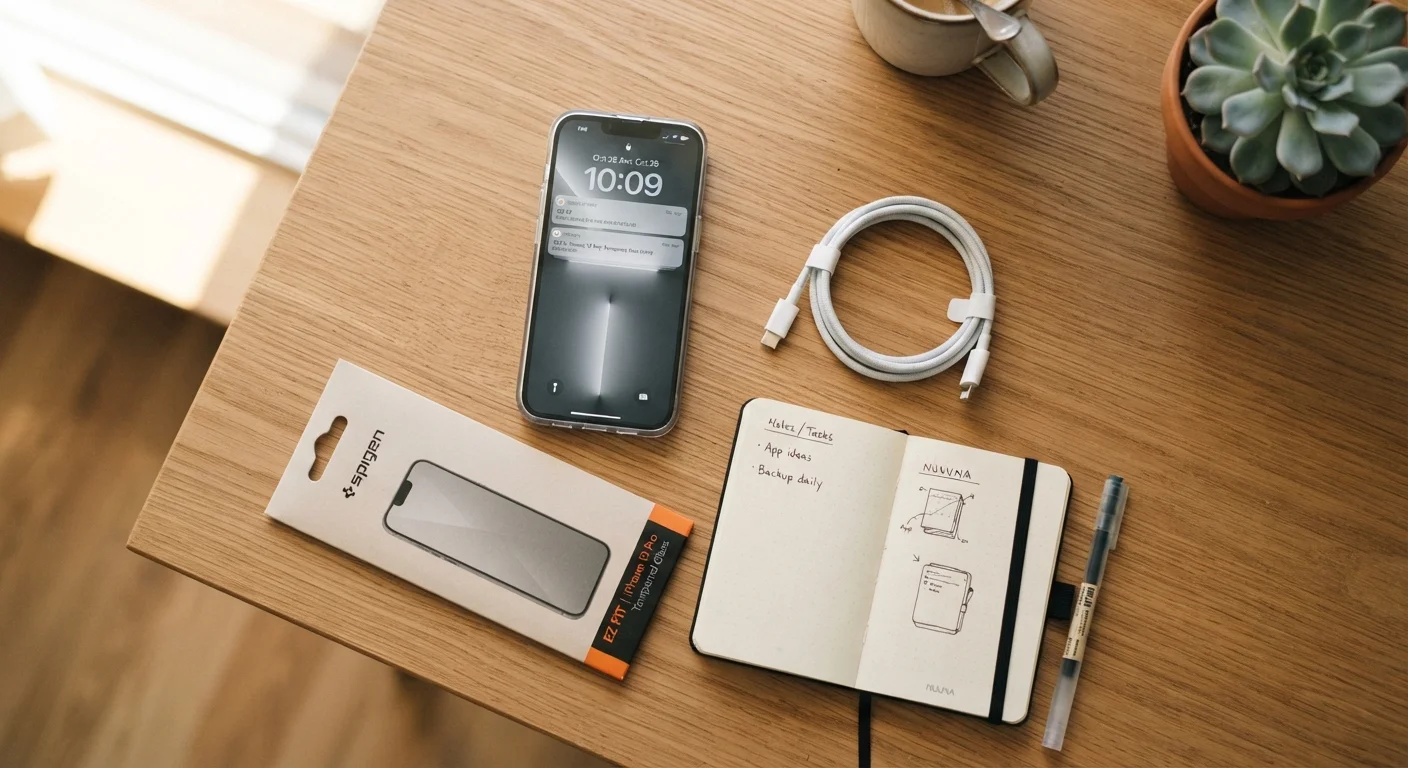
Why Phone Longevity Comes Down to Daily Habits
Smartphones are built to last, but how long yours actually stays fast and reliable depends largely on how you use and maintain it day to day. Unlike a car, a phone doesn't come with a maintenance schedule — so most people only act when something goes wrong. The good news is that a handful of consistent habits can meaningfully extend how long your device performs well.
Think of it the same way you'd think about routine vehicle upkeep: small, regular attention prevents bigger problems later. The practices below are straightforward, require no technical background, and apply to nearly any smartphone.
Keep your phone's operating system and apps updated consistently.
Updates patch security vulnerabilities, fix bugs that cause crashes or slowdowns, and sometimes include optimizations that improve battery efficiency. Running outdated software leaves performance and safety gaps that accumulate over time.
Charge within the 20–80% range during everyday use.
Lithium-ion batteries wear down more quickly when repeatedly charged from very low to completely full. Staying within a mid-range most of the time slows this degradation and extends the battery's overall lifespan.
Free up internal storage before it dips below 10–15% of total capacity.
When internal storage is nearly full, the phone has little room to manage temporary files, cached data, and app operations — all of which slow performance noticeably. Regular cleanup prevents this from becoming a chronic drag.
Use a protective case and screen protector from day one.
The screen and outer casing are the most expensive components to repair. Physical protection dramatically lowers the chance that a single drop leads to a costly repair or premature replacement.
Restart your phone at least once a week.
Background processes, cached data, and minor software glitches build up during continuous use. A simple restart clears much of this and helps the phone operate closer to its baseline performance.
Charging Habits That Protect Your Battery
Your phone's battery is a lithium-ion cell, which means it wears down gradually with each charge cycle. The way you charge has a real effect on how quickly that wear happens. Many common beliefs about charging are outdated or flat-out wrong — our guide to common smartphone myths covers several of them in detail.
In short: try to keep your battery level roughly between 20% and 80% during normal use. Frequent charges from near-empty to 100% add stress to the battery over time. Overnight charging on a phone that reached 100% hours earlier isn't ideal, though modern phones have charge-limiting features that reduce this risk. Avoid charging in very hot or cold environments whenever possible — heat is the biggest accelerant of battery aging.
Check for a Built-In Charge Limit Setting
Many modern smartphones include a battery protection or charge-limit option in Settings that automatically stops charging at 80% or 85%. Look under Battery settings to see if your phone offers this. Enabling it removes the need to monitor charging manually and can meaningfully slow long-term battery wear.
Storage, Software, and the Slowdown Problem
One of the most common reasons a phone starts feeling sluggish is a full or near-full internal storage. When there's very little free space, your phone struggles to perform basic background tasks. A general rule of thumb: try to keep at least 10–15% of your total storage free at all times.
If you're unclear on how internal storage, RAM, and cloud storage differ, the breakdown of phone storage types is worth a read before you start deleting things at random. Transferring photos and videos to cloud storage or a computer is usually the fastest way to free up space without losing anything.
Software updates matter too. They don't just add features — they include fixes for performance issues and security vulnerabilities. Skipping them for months leaves your phone slower and more exposed. Enable automatic updates if you tend to dismiss update prompts.
~2–3 years
Typical lithium-ion battery effective lifespan
Battery performance generally degrades noticeably after 300–500 full charge cycles, which typically takes two to three years for average users.
10–15%
Minimum free storage to maintain performance
Device performance specialists commonly recommend keeping at least this much internal storage free to allow normal system operations.
Physical Care and Simple Maintenance
Cracks, scratches, and port damage are among the most preventable reasons phones stop working well. A fitted case absorbs impact from drops; a tempered glass screen protector takes the brunt of scratches so your display doesn't have to. These aren't luxuries — they're inexpensive insurance against the most common physical damage.
Keep your charging port clean. Lint from pockets is a surprisingly frequent culprit behind charging problems. If the port looks clogged, a wooden toothpick used very gently can clear debris — never use metal. Also, periodically restart your phone. A full restart clears temporary files and background processes that accumulate over days of use, and it's one of the simplest things you can do to maintain responsiveness.
For a broader look at everyday routines that silently wear down devices, see habits that quietly damage your devices over time.
The content on this site is for informational purposes only and is not a substitute for professional advice. Always consult a qualified professional for guidance specific to your situation.