

Why Phone Myths Are So Stubborn
Smartphone advice travels fast — from tech forums, well-meaning friends, and articles written years ago that never got updated. The problem is that phone hardware and software have changed dramatically, while the old advice stuck around. Some myths started as real guidance for older technology. Others were never accurate to begin with.
Understanding what your phone actually needs — versus what you've been told it needs — can save you frustration, protect your device, and stop you from wasting time on habits that do nothing. For a broader look at how phones fit into daily life, see our honest look at smartphone trade-offs.
The myths below are among the most widely repeated. Each one gets a clear correction grounded in how modern phones actually work.
Myth
You should fully drain your battery to 0% before charging it to keep it healthy.
Fact
Fully discharging a modern lithium-ion battery repeatedly shortens its overall lifespan.
This advice made sense decades ago for older nickel-cadmium batteries, which suffered from a "memory effect" that required full discharge cycles. Lithium-ion batteries — used in every modern smartphone — work differently. They have a limited number of charge cycles, and deep discharges count as more stress on the battery. Keeping your charge level in the middle range more often is gentler on the chemistry and helps the battery retain capacity longer.
Myth
Closing apps running in the background saves battery life.
Fact
Force-closing apps can actually increase battery use because the phone works harder to relaunch them.
Both Android and iOS are built to manage background apps efficiently. A suspended app sitting in the background uses very little power. When you force-close it and then reopen it minutes later, your phone expends energy loading it fresh from storage. For most users, the built-in operating system handles app management better than manual closing does. The exception is an app that has clearly malfunctioned and is running hot — in that case, closing it makes sense. For general daily use, it's unnecessary.
Myth
More megapixels means a better camera.
Fact
Megapixels measure resolution only — sensor size, lens quality, and software processing matter far more for real-world photo quality.
A megapixel is simply a unit of image resolution: a 12-megapixel photo contains 12 million pixels. A phone with a 50-megapixel camera but a small sensor and poor optics will take noticeably worse low-light photos than one with fewer megapixels and better hardware. Camera performance depends on how much light the sensor captures, how effectively the lens focuses it, and how well the software processes the result. Megapixel count is a marketing number worth treating with skepticism.
Myth
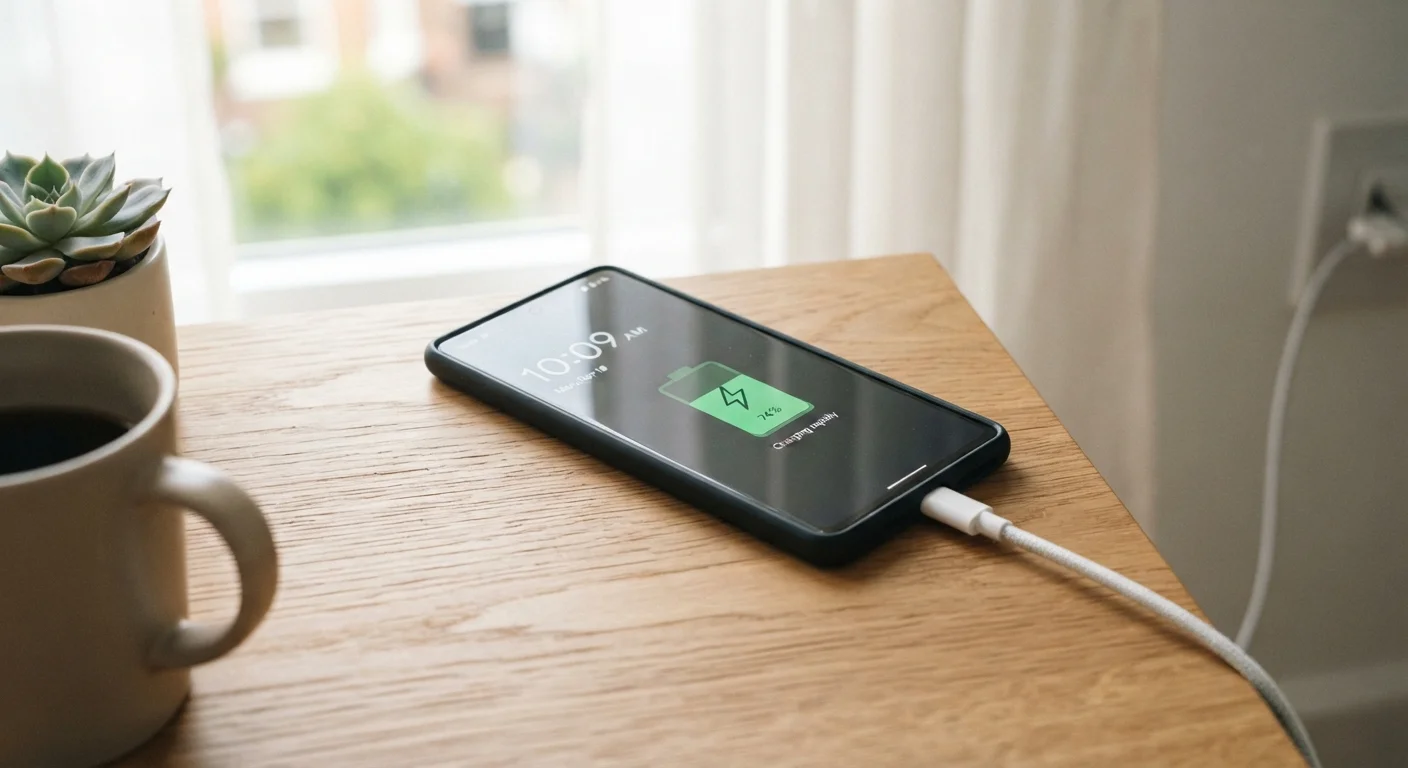
Leaving your phone plugged in overnight will overcharge and damage the battery.
Fact
Modern smartphones stop drawing charging current once they reach full capacity, preventing overcharge damage.
Every contemporary smartphone includes charge management circuitry that slows and then stops the charging process when the battery is full. Some phones even include features that learn your overnight schedule and delay the final charge top-up until shortly before your typical wake time, reducing the time spent at 100%. Overnight charging is not harmful for most people. The more relevant long-term concern is heat — charging in a cool, ventilated spot (not under a pillow) is the habit worth forming.
Myth
Putting a wet phone in rice will dry it out and save it.
Fact
Rice does not absorb moisture effectively from phone internals and can introduce dust and starch particles into ports.
The rice method persists because it feels intuitive — rice absorbs moisture in cooking, so why not in electronics? In practice, uncooked rice is a poor desiccant (drying agent) and acts too slowly to prevent corrosion damage inside a phone. Silica gel packets are meaningfully more effective if you have them on hand. More importantly, the best immediate step with a wet phone is to power it off, remove any cases, gently pat it dry, and leave it in a dry, well-ventilated space. If water ingress was significant, a professional assessment is worth considering rather than relying on any home remedy.
Building Better Phone Habits
The biggest takeaway from debunking these myths is straightforward: most phones are designed to be used, not coddled. Charging regularly, keeping software updated, and not obsessing over background app management will serve your device far better than outdated rituals.
~500
Typical full charge cycles before noticeable battery degradation
Lithium-ion battery manufacturers generally rate cells for roughly 300–500 full cycles before capacity drops noticeably, though this varies by chemistry and usage patterns.
~80%
Charge level recommended as a regular upper limit
Battery researchers and phone manufacturers increasingly suggest that staying below 80% charge more often can meaningfully extend long-term battery capacity retention.
Battery health is the one area worth genuine attention. Keeping your charge between roughly 20% and 80% more often than not — without letting it routinely hit zero — is the single most evidence-supported habit for long-term battery care. Our related guide on extending battery lifespan covers similar principles for laptops. And if your phone's battery is already draining faster than expected, this guide on rapid battery drain explains the real culprits.
For ongoing practical advice on keeping your phone running reliably, the Tech Tips & Troubleshooting hub is a good place to explore. And if storage confusion is part of the picture, this breakdown of where storage actually goes is worth a read.
Water Damage: Act Quickly, Not Creatively
If your phone gets wet, powering it off immediately and keeping it off is the most important step. Avoid the temptation to test whether it still works — running current through wet components accelerates corrosion. Skip the rice, let it dry thoroughly in open air, and if the device shows any signs of malfunction afterward, have it assessed by a qualified repair technician rather than attempting internal fixes yourself.
The content on this site is for informational purposes only and is not a substitute for professional advice. Always consult a qualified professional for guidance specific to your situation.