

Our Verdict
For casual, occasional connectivity needs, your phone's built-in hotspot is the simpler and more cost-effective choice. If you regularly need to connect multiple devices, work remotely on the road, or want to protect your phone's battery life, a dedicated pocket Wi-Fi device offers meaningful advantages — though it comes with extra cost and a second device to manage.
| Best for | Recommended |
|---|---|
| Occasional, short-duration mobile internet needs | Phone hotspot |
| Connecting multiple devices simultaneously or working remotely | Pocket Wi-Fi device |
| International travel with flexible data needs | Pocket Wi-Fi device |
| Travelers who want minimal gear and already have a data plan | Phone hotspot |
What Each Option Actually Does
A mobile hotspot is a feature built into virtually every modern smartphone. When you turn it on, your phone shares its cellular data connection over Wi-Fi, letting nearby devices — a laptop, tablet, or a friend's phone — connect to the internet through your phone's signal. No extra hardware required.
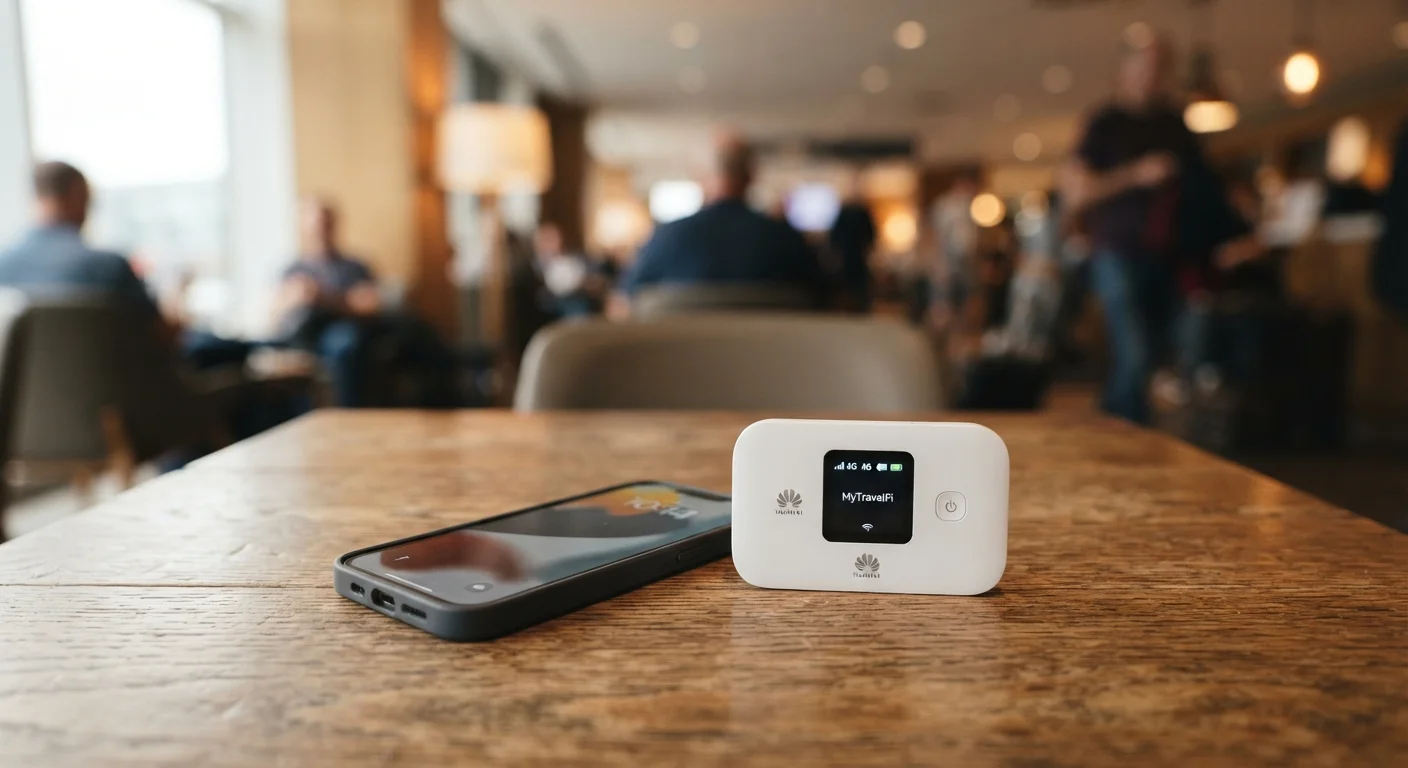
A pocket Wi-Fi device (sometimes called a mobile hotspot device or MiFi) is a standalone gadget about the size of a deck of cards. It uses its own SIM card and cellular data plan to broadcast a Wi-Fi signal, independent of your phone entirely. Think of it as a router that runs on cellular data rather than a home broadband line.
Both accomplish the same basic task — getting your devices online without a fixed internet connection — but the mechanics behind each create very different practical trade-offs. If you're also thinking about how device-heavy setups can strain a network, the concepts in this guide on network load are worth a quick read.
The Case for Using Your Phone's Hotspot
The strongest argument for your phone's built-in hotspot is simplicity. There's nothing to buy, nothing extra to charge, and nothing to forget at home. If your cellular plan includes hotspot data — and most current US plans do, at least in some capacity — you can be up and running in under a minute.
It's also genuinely sufficient for a lot of common scenarios: pulling up directions on a tablet, catching up on email from a laptop at a coffee shop with spotty Wi-Fi, or letting a travel companion borrow a connection briefly.
Throttling Can Catch You Off Guard
Many US carriers advertise 'unlimited' plans that technically include hotspot data — but at reduced speeds after a threshold, sometimes as low as 600 Kbps. That's fast enough for basic browsing but too slow for video calls or large file transfers. Check your plan's fine print before relying on a phone hotspot for work-critical tasks on the road.
The friction shows up with heavier use. Running a hotspot is one of the fastest ways to drain your phone's battery — often noticeable within an hour on older devices. It also pulls from your phone's data allowance, and many carriers throttle hotspot speeds after a set monthly threshold, even on unlimited plans. Streaming video or joining video calls through a phone hotspot for hours at a time can quickly eat through that allotment.
For a broader look at what your phone handles well versus where it starts to struggle, see the real trade-offs of using a smartphone for everything.
When a Pocket Wi-Fi Device Makes More Sense
A dedicated device separates your connectivity from your phone entirely. Your phone stays available for calls and its battery isn't depleted powering a hotspot. Pocket Wi-Fi devices are also generally designed to handle more simultaneous connections — useful if you're traveling with family or connecting a laptop, tablet, and smartwatch at once.
These devices often have larger batteries specifically built for extended broadcasting, meaning you can realistically run one all day without recharging mid-afternoon. Some models also support SIM card swapping, which is particularly practical when traveling internationally. You can pick up a local data SIM at your destination rather than paying roaming rates. For a full breakdown of international connectivity options, this guide to staying connected abroad covers the trade-offs in detail.
Check Your Plan's Hotspot Allowance First
Before investing in a pocket Wi-Fi device, verify what hotspot data your current phone plan includes. Many unlimited plans provide a meaningful hotspot allowance — sometimes 15–50 GB — before any speed reduction kicks in. If your usage fits within that window, a separate device may simply not be necessary.
The downsides are real: you're carrying and charging a second device, and you'll pay for a separate data plan or SIM. Setup takes more effort upfront, and if you forget to charge it, you're stranded.
Side-by-Side Comparison
The table below summarizes how the two options stack up across the factors most people care about.
| Phone Hotspot | Pocket Wi-Fi Device | |
|---|---|---|
| Extra hardware needed | None | Yes — a separate device |
| Battery impact on phone | High — drains phone quickly | None — uses own battery |
| Simultaneous device connections | Typically 5–10 (varies by phone) | Often 10–15 or more |
| Data plan requirement | Uses your existing phone plan | Requires separate plan or SIM |
| Setup speed | Immediate — built in | Moderate — requires setup |
| Best for international travel | Depends on carrier roaming terms | Flexible with local SIM swap |
| Ongoing cost | Included in most phone plans | Additional monthly plan cost |
For travelers specifically, connectivity decisions often intersect with calling options too. Wi-Fi calling versus regular cell calls is another comparison worth understanding if you're frequently in areas with weak signal. More general travel planning resources are available at Travel Tips.
The content on this site is for informational purposes only and is not a substitute for professional advice. Always consult a qualified professional for guidance specific to your situation.