

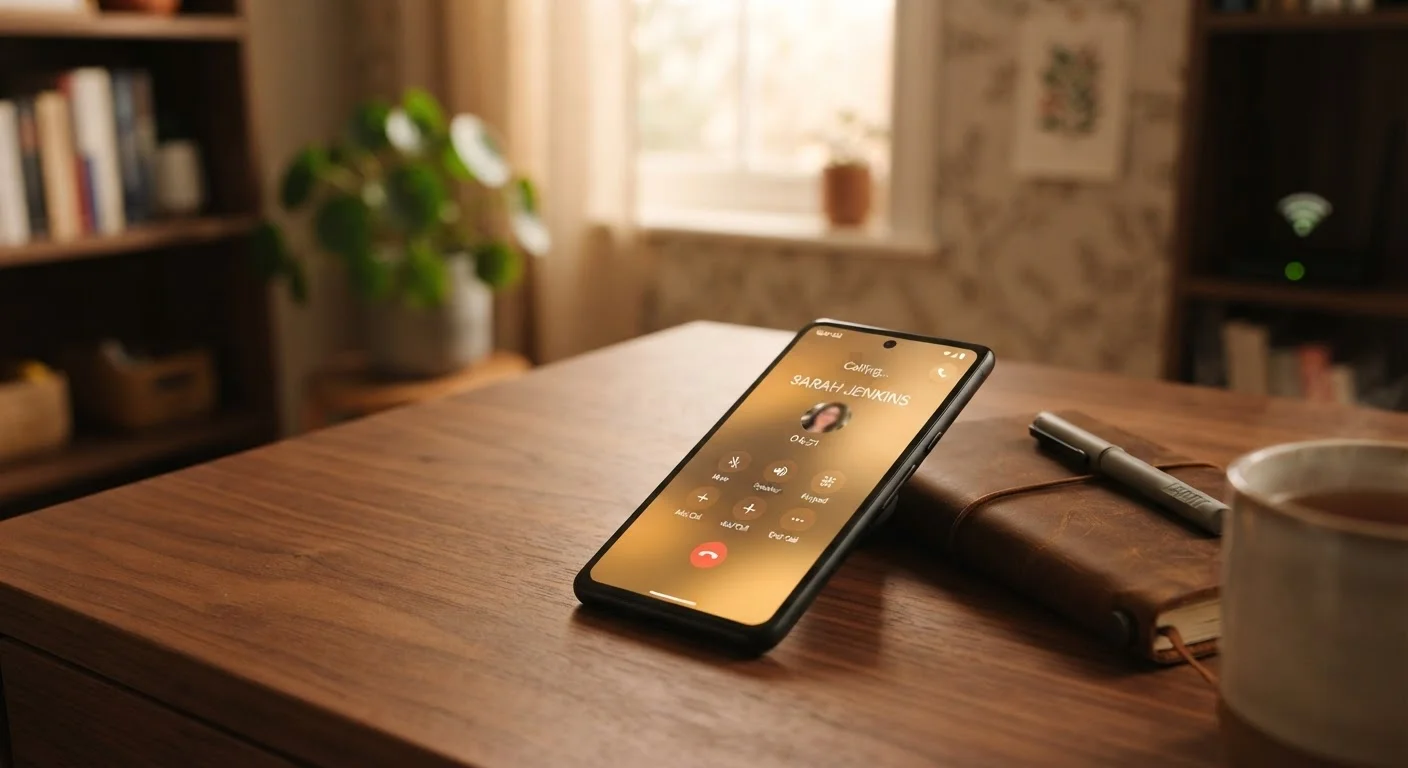
Option A
Wi-Fi Calling
The workaround that routes calls through your internet connection.
Best for: Indoors with strong home or office Wi-Fi but poor cellular reception.
Option B
Regular Cell Calls
The traditional standard that runs on your carrier's cellular network.
Best for: Outdoors, in moving vehicles, or anywhere with solid cellular coverage.
How Each Type of Call Actually Works
Every call your phone makes travels over some kind of network — the question is which one. Regular cell calls connect through your carrier's cellular infrastructure: radio towers transmit your voice as a signal from your phone to the person you're calling. The quality depends on how close you are to a tower and how strong that signal is.
Wi-Fi calling works differently. Instead of sending your voice through a cell tower, it routes the call through your internet connection — the same Wi-Fi network your laptop or smart TV uses. Your carrier still handles the call on the backend, but the first leg of the journey is over broadband rather than cellular radio. Most carriers support Wi-Fi calling today, and it can be turned on in your phone's settings under the phone or cellular menu.
The key insight: these aren't completely separate systems. Think of Wi-Fi calling as an alternate on-ramp to the same highway your regular calls travel. The destination is the same; the entrance is different.
| Criterion | Wi-Fi Calling | Regular Cell Calls |
|---|---|---|
| Network used | Broadband internet (Wi-Fi) | Carrier's cellular towers |
| Best environment | Indoors with strong Wi-Fi | Outdoors or in vehicles |
| Mobility | Limited to Wi-Fi range | Seamless as you move |
| Setup required | Enable in phone settings | No setup needed |
| International use | Often avoids roaming charges | Roaming charges may apply |
| Quality depends on | Internet speed and congestion | Distance to cell tower |
| Works during ISP outage | No | Yes (if cell signal exists) |
Where Wi-Fi Calling Has the Clear Advantage
The most obvious win for Wi-Fi calling is indoors with weak cellular reception. Concrete walls, underground offices, and rural homes far from towers are common culprits for dropped calls. If your phone shows one bar but you have a solid home internet connection, enabling Wi-Fi calling can transform a frustrating call into a clear one.
It's also useful for international travel. If you're connected to a hotel or café Wi-Fi network overseas, many US carriers allow Wi-Fi calls back home without triggering roaming charges — though you should confirm this with your carrier before relying on it. For more on staying connected abroad, see how phone plans and Wi-Fi options work when traveling overseas.
One practical caveat: Wi-Fi calling quality rises and falls with your connection. If your home network is congested — for example, because multiple devices are streaming video simultaneously — call audio can cut out or sound choppy. A crowded home network can quietly undermine Wi-Fi calls just as much as a weak cell signal.
Emergency Calls and Wi-Fi Calling
When you dial 911 over Wi-Fi calling, your registered address is used to determine your location — not your physical GPS position. This means emergency responders may be sent to the address on file with your carrier, not where you actually are. If you use Wi-Fi calling regularly, confirm that your emergency address is current in your carrier's account settings, and always state your location clearly when calling 911.
Where Regular Cell Calls Hold Their Ground
Cellular networks are engineered for mobility. As you drive or move through a city, your phone silently hands off between towers to keep the call alive. Wi-Fi calling doesn't travel with you the same way — if you step outside your Wi-Fi range mid-call, the call may drop or need to reconnect over cellular.
Regular cell calls also don't depend on your home internet plan's reliability. If your ISP has an outage or your router needs a restart, Wi-Fi calling becomes unavailable. A cellular signal — even a modest one — remains independent of your home infrastructure.
For everyday use where coverage is decent, regular cell calls require no setup, no thought, and no troubleshooting. They're simply the default — and for most outdoor and mobile situations, the default works well. This is part of the broader picture covered in the real trade-offs of relying on your smartphone for everything.
Setting Up and Managing Both Options
On most iPhones and Android devices, Wi-Fi calling is a toggle in settings — usually found under Settings > Phone > Wi-Fi Calling (iPhone) or Settings > Connections > Wi-Fi Calling (Android, varies by manufacturer). Once enabled, your phone generally switches to Wi-Fi calling automatically when cellular signal is weak and Wi-Fi is available.
You can usually set a preference for which connection to use first. Some users prefer to manually control this, especially if they notice quality differences in specific locations. Experimenting with both settings in your home or office is a reasonable way to find what works best for your environment.
If you're weighing how your phone handles different types of connections on the go, it's worth understanding how mobile data sharing works too — comparing mobile hotspot options to dedicated devices gives useful context. And if your Wi-Fi feels unreliable at certain times of day, understanding why Wi-Fi slows down at night can help you troubleshoot before blaming your call quality on the wrong source.
~1 Mbps
Minimum upload speed for stable Wi-Fi calls
General industry guidance suggests that voice-over-internet calls require roughly 1 Mbps of stable upload bandwidth for clear audio without interruption.
72%
US adults who have experienced dropped calls indoors
According to a J.D. Power survey on wireless network satisfaction, indoor dead zones are among the most commonly cited reasons for dropped or failed calls in the US.
The content on this site is for informational purposes only and is not a substitute for professional advice. Always consult a qualified professional for guidance specific to your situation.