

Why Your Battery Seems to Drain Overnight
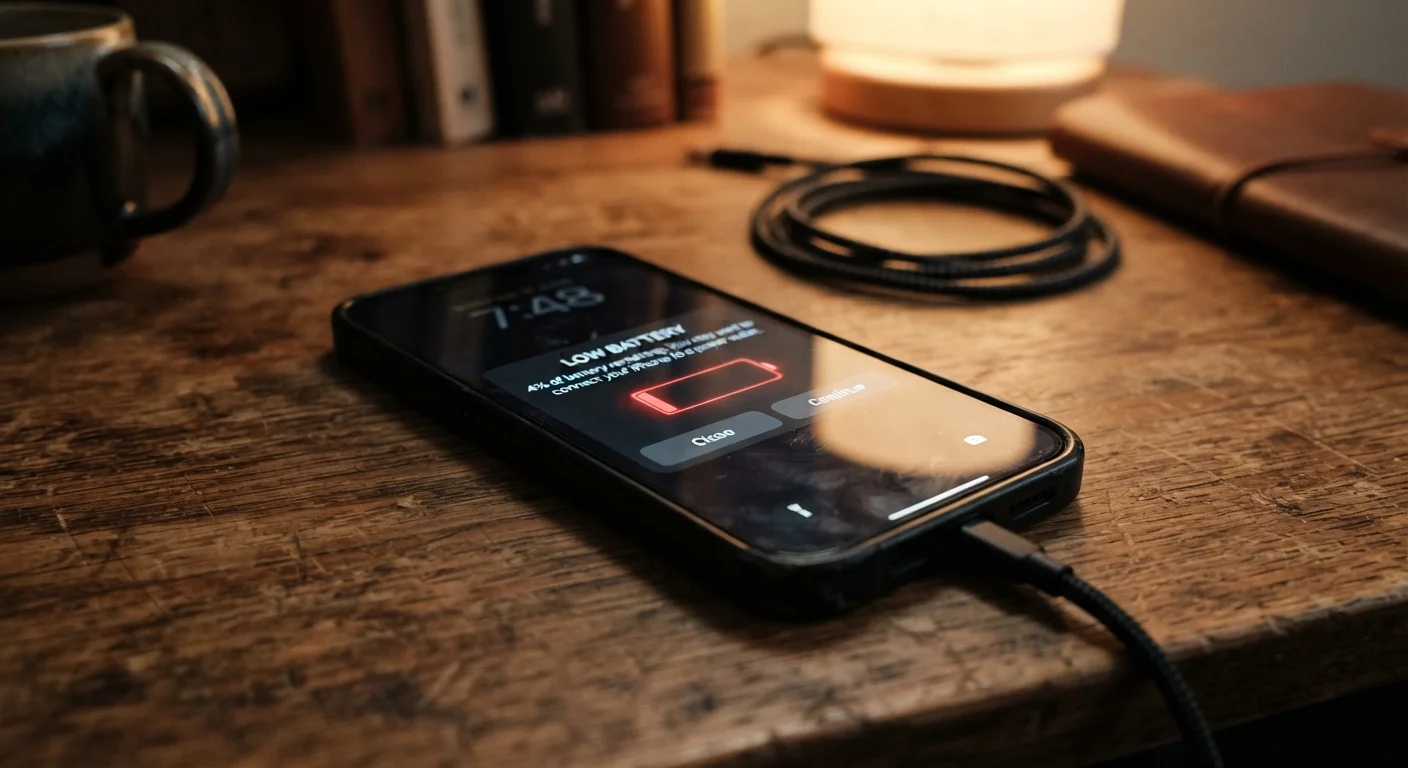
If your phone hits 100% at bedtime and wakes up noticeably depleted, background activity is almost certainly the culprit. Modern smartphones are designed to stay partially active while you sleep — fetching emails, syncing photos, checking for app updates, and refreshing social feeds. This is called background refresh, and while it keeps your apps feeling current, it runs on battery power the entire time.
The fix isn't to panic — it's to audit which apps actually need background access. On most phones, you can go into Settings and limit background activity to only the apps where real-time updates genuinely matter, like messaging or navigation. Everything else can wait until you open it.
For a broader look at how everyday habits silently wear down your devices, see habits that quietly damage your devices over time.
Leaving location services set to 'Always On' for every app.
Why it happens: Many apps request full-time location access during setup, and most users approve without reviewing the setting later.
Assuming closing background apps always saves battery.
Why it happens: It feels logical — if an app isn't open, it can't drain power. But this is one of the most persistent smartphone myths.
Keeping screen brightness at or near maximum all day.
Why it happens: Auto-brightness can push the display very high in lit environments, and many users never revisit the brightness slider manually.
Charging to 100% every night and leaving it plugged in for hours.
Why it happens: Overnight charging is convenient, and 'full charge' feels like the right goal. Most people don't realize lithium-ion batteries are stressed by sustained high charge levels.
Using the phone heavily while it charges, especially in warm environments.
Why it happens: Charging and heavy use together — like streaming video or playing games while plugged in — generates heat that most users don't think to monitor.
The Settings You're Probably Ignoring
Screen brightness is the single largest battery consumer on most smartphones. Many people leave auto-brightness enabled without realizing their phone is compensating for bright environments by pushing the display to near-maximum intensity for long stretches. Manually lowering your default brightness — even by 20 to 30 percent — can noticeably extend how long a charge lasts.
Location services are another silent drain. Apps that track your GPS position in the background — weather apps, food delivery, fitness trackers — keep your phone's location hardware active even when the app isn't visible on screen. Switching most apps from Always On to While Using location access makes a real difference.
~30%
Battery drain attributable to screen
Display power consumption typically accounts for around 30% or more of total battery usage on modern smartphones, according to device battery analyses.
2–3 years
Typical lithium-ion battery lifespan
Most smartphone lithium-ion batteries begin showing measurable capacity loss within two to three years under average daily use conditions.
Push notifications, always-on displays, and live wallpapers all draw continuous small amounts of power. Individually, they seem trivial. Combined across a full day, they add up significantly. Think of each one as a small leak — the goal is to find and plug the ones that don't serve you.
If you're also seeing unusual data usage alongside battery drain, it's worth understanding what mobile data actually is and why your plan runs out so fast — the two issues often share the same root causes.
Charging Mistakes That Age Your Battery Faster
How you charge your phone matters as much as how you use it. Phone batteries use lithium-ion chemistry, which performs best when kept between roughly 20% and 80% charge. Regularly draining to zero or leaving your phone plugged in at 100% for extended periods puts stress on the battery over time, gradually reducing the total capacity it can hold.
Lithium-Ion Batteries Don't Like Extremes
Repeatedly charging to 100% or draining to 0% accelerates the chemical aging process inside your battery. Over hundreds of cycles, this reduces the maximum charge your battery can hold — and that loss is permanent. Small habit changes, like unplugging at 90% or charging before you hit 15%, can meaningfully slow this decline.
Overnight charging is one of the most common culprits. Many phones now include built-in charging management features that slow or pause charging once the battery is nearly full — check your settings to see if this option is available and enable it if so.
Heat is the other major accelerant of battery aging. Charging while using processor-intensive apps, leaving your phone on a car dashboard in summer, or keeping it in a pocket during workouts all expose the battery to elevated temperatures that accelerate wear. For a comparison of how these principles apply to other devices, the right way to extend your laptop battery's lifespan covers similar ground for laptops.
Heat Is a Battery's Worst Enemy
Exposing your phone to high temperatures — whether from direct sunlight, a hot car, or charging in a thick case — can permanently damage battery capacity faster than almost any other factor. If your phone feels uncomfortably hot during charging, unplug it and let it cool down before continuing. Avoid leaving it in hot environments like car dashboards or direct sunlight for extended periods.
For the full picture on keeping your phone running well for years, keeping your smartphone running well over the long haul walks through the practical habits that matter most.
The content on this site is for informational purposes only and is not a substitute for professional advice. Always consult a qualified professional for guidance specific to your situation.