

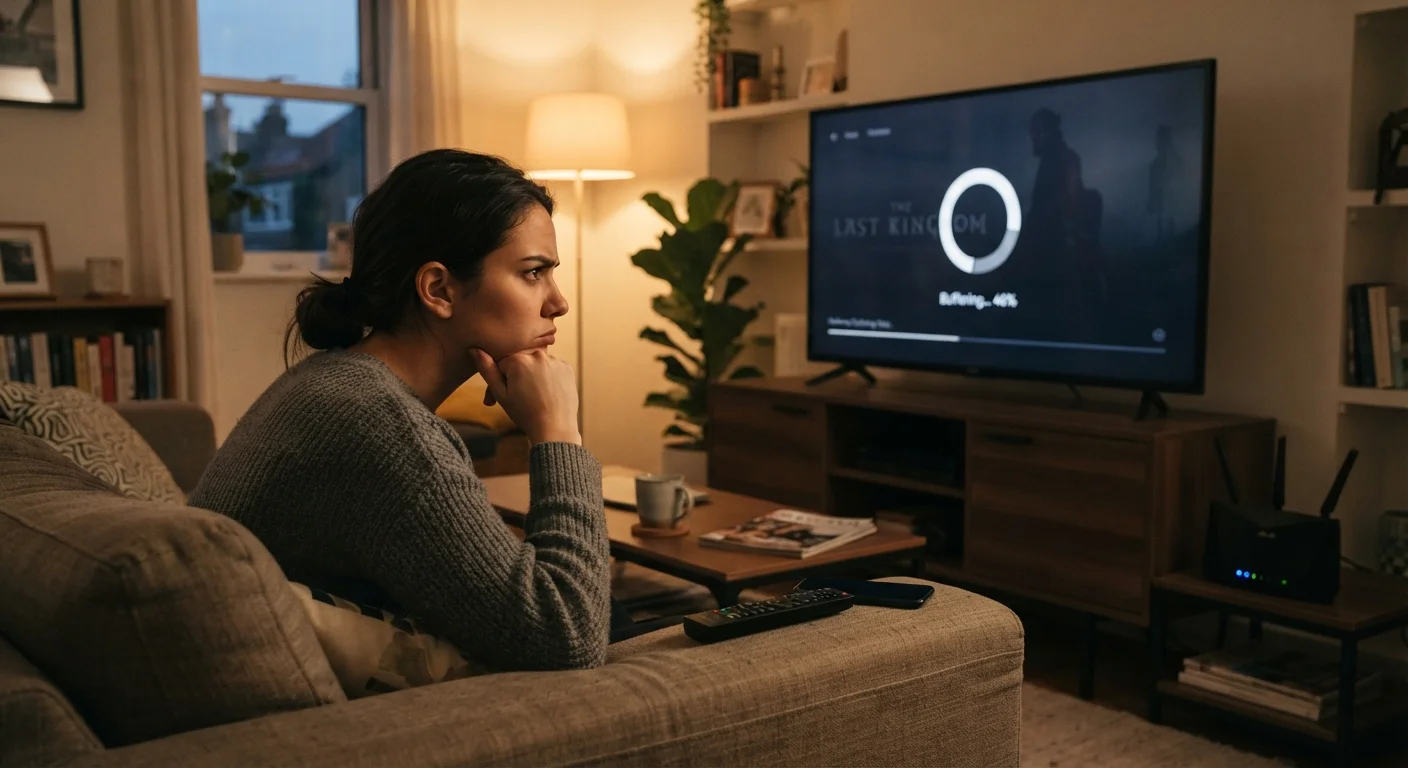
Buffering Isn't Always About Your Internet Plan
When a video stalls and that spinning circle appears, the instinct is to blame your internet provider. But the actual culprit is often something else entirely — and it's usually fixable without upgrading your plan or calling customer support.
Streaming video needs a consistent, low-latency connection more than raw download speed. A 100 Mbps connection that drops packets or spikes in delay will buffer more than a 25 Mbps connection that's rock-steady. Understanding the real causes helps you fix the right thing the first time.
If you've also noticed your overall devices running slowly, our room-by-room computer slowdown guide covers many overlapping network and hardware factors.
Assuming the streaming service itself is the problem and doing nothing.
Why it happens: When buffering starts, it's easy to assume the platform is having an outage and wait it out — especially if the service occasionally has real server issues.
Placing the router in a cabinet, closet, or behind the TV.
Why it happens: Routers are often hidden for aesthetics, but enclosed spaces block radio signals and cause the router to overheat, both of which degrade performance.
Running too many devices on the same Wi-Fi band as your TV.
Why it happens: Most households connect every device to the same default network without realizing that bandwidth is shared across all active devices simultaneously.
Ignoring the age or processing power of the streaming device.
Why it happens: Older smart TVs and streaming sticks often run outdated software and have limited memory. Readers assume hardware is fine as long as it still turns on.
Skipping the Ethernet option when Wi-Fi keeps failing.
Why it happens: Wireless feels more convenient, and many people don't realize their TV or streaming device has an Ethernet port.
How to Identify What's Actually Causing Your Buffering
Before changing any settings, run a simple test: play the same video on a device plugged directly into your router with an Ethernet cable. If buffering stops, your Wi-Fi or a device-specific issue is the source. If it continues, the problem is upstream — either your ISP's connection or the streaming service's servers.
~25 Mbps
Recommended speed for 4K streaming
Most major streaming platforms publish bandwidth guidelines suggesting around 25 Mbps for stable 4K Ultra HD playback on a single stream.
45%
Of US households report streaming issues
Industry surveys consistently find that roughly half of broadband households experience recurring buffering or quality drops, despite meeting advertised speed thresholds.
Also check whether buffering happens at specific times of day. Evening hours between 7–10 PM are peak congestion windows for most residential ISPs, when many households stream simultaneously. That pattern points toward ISP-level or neighborhood network congestion rather than your home setup.
If you're running a house full of smart speakers, thermostats, and security cameras, your network may be more crowded than you realize. Our guide on smart home devices and Wi-Fi congestion explains how device count affects streaming performance.
Peak Hours Can Make Any Connection Feel Slow
If your buffering consistently happens in the evening, your ISP's local infrastructure — not your home setup — may be overloaded. Running a speed test during off-peak hours (early morning) and again at peak time reveals whether your speeds drop significantly. A large difference is worth reporting to your ISP, as it may indicate a capacity issue in your area.
Quick Fixes Worth Trying Before Anything Else
Once you've narrowed down the source, a few targeted steps often resolve the problem without any technical expertise:
- Restart your router and modem — not just the router. Unplug both for 30 seconds. This clears memory leaks and refreshes your connection to the ISP.
- Move your router — central placement at mid-height, away from microwaves, cordless phones, and thick concrete walls, significantly improves signal consistency.
- Switch your streaming device to the 5 GHz Wi-Fi band if it supports it. This band is faster and less congested than the 2.4 GHz band used by most smart home accessories.
- Try a different DNS server — your router's default DNS (provided by your ISP) can be slow. Switching to a public DNS option in your router settings can reduce the time it takes to resolve streaming server addresses.
For a closer look at how your choice of streaming hardware affects performance, see our comparison of streaming sticks versus smart TV apps.
ISP Throttling Is a Real Possibility
Some internet service providers selectively slow down streaming traffic during congestion periods, a practice called throttling. You can test for this by using a VPN (virtual private network) temporarily — if buffering improves with the VPN active, your ISP may be deprioritizing streaming data. This doesn't guarantee throttling is occurring, but it's a useful diagnostic step before contacting your provider.
The content on this site is for informational purposes only and is not a substitute for professional advice. Always consult a qualified professional for guidance specific to your situation.