

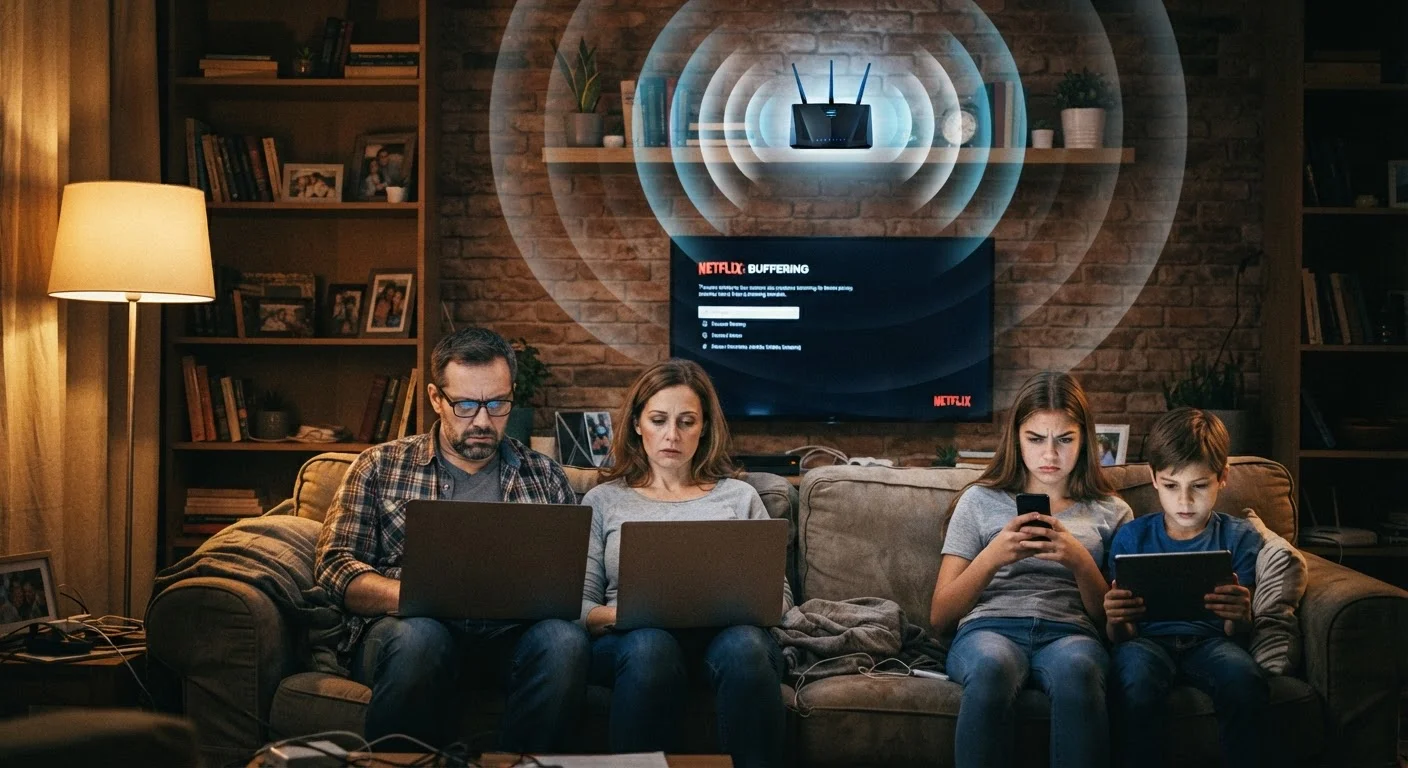
The Real Reason Speeds Drop After Dark
If your streaming stutters, video calls freeze, or pages load sluggishly every evening around 7 or 8 PM, you're not imagining things — and your router probably isn't broken. What you're experiencing is network congestion, a predictable pattern that affects millions of American households during peak usage hours.
Your home internet connection runs through infrastructure that your Internet Service Provider (ISP) shares among dozens or hundreds of homes in your area. During the day, most of that capacity sits idle. But when people come home from work and school and everyone starts streaming, gaming, and video-calling simultaneously, that shared pipeline gets overwhelmed. The result is slower speeds for every household on the same segment of the network — including yours.
It's a bit like a neighborhood water main: pressure is fine at 10 AM when few people are running taps, but drops noticeably at dinnertime when every house is cooking, showering, and running dishwashers at once.
~7–9 PM
Typical daily peak internet usage window
ISPs and network analysts consistently identify the evening hours as the period of highest residential internet demand in the US.
40–50%
Potential speed drop during congestion
Industry reports and consumer speed-test aggregators have found that residential speeds can fall significantly below advertised rates during evening peak hours.
What's Happening Inside Your Home Too
ISP congestion is the biggest culprit, but it's rarely the only one. Several things inside your own home can quietly pile on and make evenings feel even slower.
Automatic Updates and Background Downloads
Your phone, laptop, smart TV, and gaming console all check for software updates regularly. Many are programmed to do this during evening hours — when the device assumes you're done working. If three or four devices start downloading updates at once, they consume a significant chunk of your available bandwidth whether you notice or not.
Smart Home Device Traffic
Smart speakers, security cameras, thermostats, and video doorbells generate a surprising amount of continuous network traffic. Smart home devices can quietly crowd your Wi-Fi, especially when multiple gadgets compete for bandwidth during peak hours.
Wi-Fi Channel Interference
Most home routers operate on one of a limited number of radio channels. If your neighbors' routers happen to use the same channel — which becomes more likely in densely packed apartments or subdivisions — the overlapping signals interfere with each other and reduce throughput for everyone nearby. Evening brings more active routers, which means more potential interference.
Check Your Router's Frequency Band
Most modern routers broadcast on both 2.4 GHz and 5 GHz bands. The 5 GHz band is faster and less congested but has a shorter range. If your device is close to the router, connecting to the 5 GHz band can deliver noticeably better evening performance. Look for a network name ending in '5G' or '5GHz' in your Wi-Fi settings.
Practical Steps That Actually Help
You can't control your ISP's infrastructure, but you can take steps to get the most out of whatever bandwidth is available to you.
- Schedule large downloads for off-peak hours. Most operating systems, gaming consoles, and smart TVs let you schedule updates and downloads for late night or early morning, when the network is quietest.
- Switch to a wired connection for demanding tasks. Plugging a laptop or streaming device directly into your router via an Ethernet cable bypasses Wi-Fi interference entirely and delivers more consistent speeds.
- Change your router's Wi-Fi channel. Log into your router's settings (the address is usually printed on the router itself) and look for the wireless channel setting. Choosing a less-congested channel — many routers can do this automatically — can improve signal quality at home.
- Restart your router periodically. Once a week is a reasonable habit. It flushes stale data from the router's memory and refreshes its connection.
- Run a speed test at different times. Use a free, browser-based speed test at 10 AM and again at 8 PM on the same day. If evening speeds are dramatically lower, that's evidence of ISP-level congestion worth reporting.
If your slowdowns are tied to buffering video specifically, our guide on why streaming video keeps buffering covers additional diagnosis steps. And if your whole device feels sluggish — not just the internet — it may be worth reading this room-by-room computer slowdown inspection.
When to Contact Your ISP
Not every slowdown can be solved at home. If your evening speeds are consistently less than half of what your plan advertises — and a wired connection still shows the same pattern — that's a signal worth escalating.
Before calling, gather evidence: save your speed test results with timestamps, note which days and times the slowdowns occur, and write down any error messages you've seen. ISPs are more responsive when customers arrive with data rather than a vague complaint.
Ask specifically whether your area is experiencing congestion issues or whether infrastructure upgrades are planned. In some cases, upgrading to a higher-tier plan with more dedicated capacity can help — though if local infrastructure is genuinely overloaded, more bandwidth on the same congested lines may offer limited benefit. A customer service representative should be able to tell you whether that's the situation in your area.
“Internet congestion is a real and recurring issue for many communities, particularly those where network infrastructure hasn't kept pace with growing household demand for streaming, gaming, and remote work.”
— Federal Communications Commission, U.S. regulatory agency overseeing broadband and communications
Frequently Asked Questions
The difference almost always comes down to how many people in your area are using the internet at the same time. Mornings are quiet; evenings are peak hours. Your ISP's shared network infrastructure simply gets overwhelmed when demand spikes.
Restarting clears your router's memory and resets its connection to your ISP, which can sometimes improve speeds. However, if the core issue is ISP-level congestion in your neighborhood, a router restart won't eliminate it — it's a temporary tune-up, not a root fix.
Indirectly, yes. Your neighbors aren't on your personal network, but you do share the same ISP infrastructure. Also, if many nearby routers broadcast on the same wireless channel, that radio interference can degrade your Wi-Fi signal quality at home.
Late night — generally after midnight — and early morning hours tend to have the lowest network traffic in most areas. Scheduling big downloads or system updates for those windows can dramatically reduce how long they take.
Yes, especially if the slowdown is severe or consistent. Run speed tests at different times of day and save the results before you call. That data gives your ISP's support team something concrete to investigate rather than a vague complaint.
The content on this site is for informational purposes only and is not a substitute for professional advice. Always consult a qualified professional for guidance specific to your situation.