

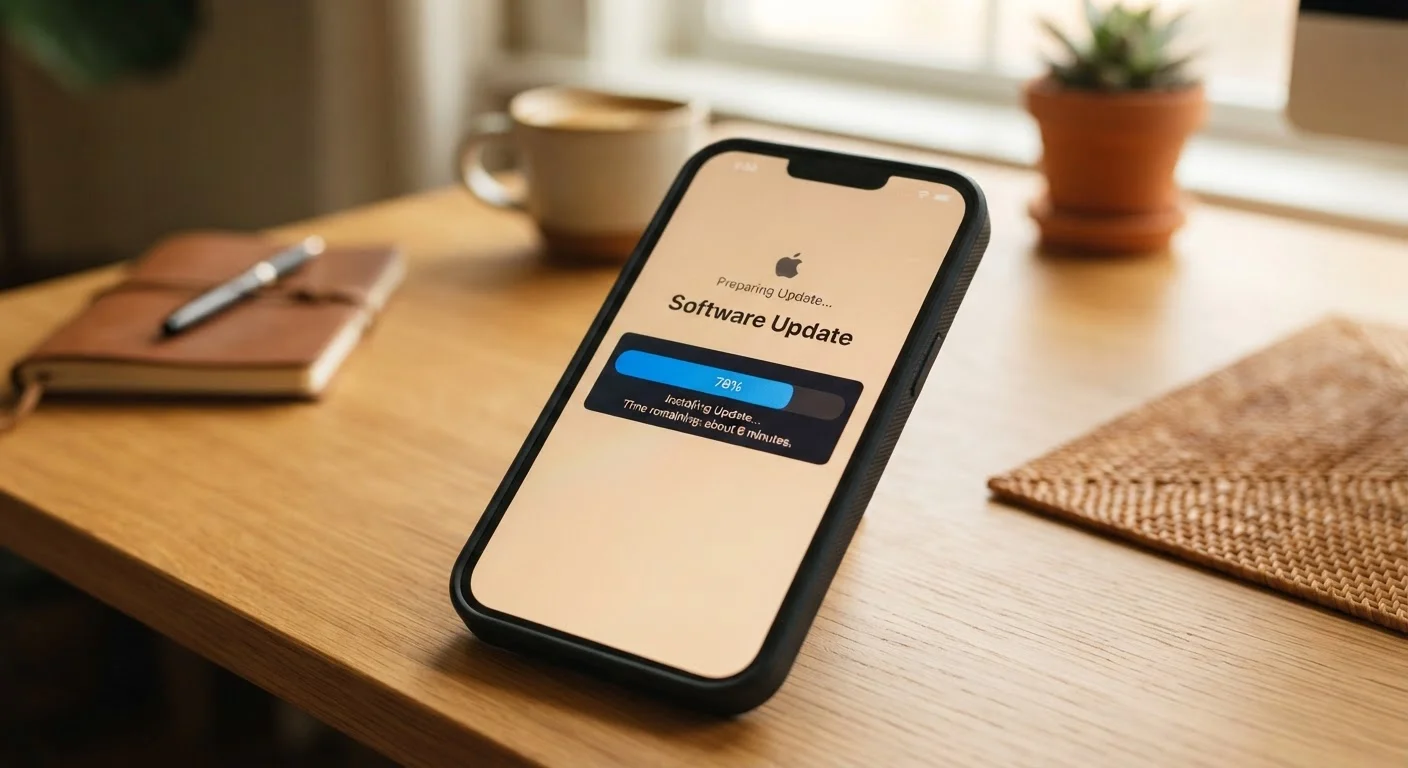
Why Updates Exist in the First Place
When software ships, it's rarely perfect. Developers discover bugs, researchers find security weaknesses, and hardware behavior turns out to be slightly different in the real world than in a lab. Updates are the mechanism manufacturers and developers use to fix those issues after the fact.
Think of it like a car recall — only instead of mailing you a notice and asking you to visit a dealer, your device quietly downloads the fix and installs it, often overnight. The goal is to keep your device safe, stable, and compatible with everything it connects to.
Updates also keep pace with a changing threat landscape. New malware and hacking techniques appear constantly, and security patches are the direct response. For more on software terms that come up during this process, see our plain-language tech glossary.
Updates Aren't Just for Phones
Computers, tablets, smart TVs, routers, and even some home appliances receive software updates. The process and timing differ by device, but the underlying purpose — fixing issues and closing security gaps — is the same across all of them.
The Four Things an Update Can Actually Change
Not every update does the same thing. Here's what's actually happening under the hood:
- Security patches: These close known vulnerabilities — gaps in the code that could let unauthorized software or people access your device or data. This is the most critical type of update.
- Bug fixes: Corrects errors causing crashes, freezes, battery drain, or features that don't work as intended.
- Performance improvements: Adjusts how the device manages memory, battery, or processing to run more efficiently.
- Feature additions or changes: Introduces new tools, adjusts existing menus, or changes how an app or setting looks and behaves.
A single update often bundles several of these at once. The patch notes — the list of changes in each update — are usually available in your settings if you want to know exactly what changed.
60%+
Of breaches exploit known, patchable vulnerabilities
Cybersecurity industry analyses consistently find that a majority of successful attacks target vulnerabilities for which a patch was already available.
Monthly
Frequency of security patches on major platforms
Both Apple and Google release security-focused updates on roughly a monthly cycle, separate from larger feature releases.
System Updates vs. App Updates: What's the Difference?
Your device receives updates through two separate channels, and they work differently.
Operating system (OS) updates — delivered by your device manufacturer or platform (like iOS or Android) — affect how the entire device works. They can change core security protections, how apps interact with the device, battery management behavior, and system-level features. These are the most significant updates and typically require a restart.
App updates come through your app store and affect only that individual app. A maps app might update its offline navigation; a banking app might patch a login vulnerability. These are narrower but still important, especially for apps that handle sensitive information.
If you're comparing how these systems work across platforms, our Android vs. iOS breakdown explains how update delivery differs between the two. Also worth noting: app permissions can change with updates, so it's worth reviewing them periodically — see what app permissions actually mean.
Check Patch Notes Before a Big Update
Before installing a major OS update, glance at the release notes in your settings or the manufacturer's website. You'll get a plain summary of what's changing — useful if you rely on specific features that might be affected. Most major updates also include a brief window where you can postpone installation if the timing is inconvenient.
What Happens When You Skip Updates
Delaying updates occasionally is usually harmless. But consistently ignoring them — especially security patches — carries real risk. Once a vulnerability becomes public knowledge, attackers actively look for devices that haven't been patched. Skipping updates is one of several habits that quietly damage your devices over time.
Beyond security, outdated software can cause compatibility problems: apps may stop working properly, websites may render incorrectly, or new accessories may not connect as expected. Keeping your device updated is one of the simplest things you can do to keep it running well — something covered more broadly in our guide to keeping your smartphone running well over time.
“The best security tool most people already have is the update button. The hard part is convincing them to actually use it.”
— Bruce Schneier, Security technologist and author on cybersecurity topics
Frequently Asked Questions
Occasionally, a large update may cause temporary slowness right after installation as the device reorganizes files. This usually resolves within a few hours. In many cases, updates actually improve performance by fixing inefficiencies in older code.
Yes, most devices let you disable automatic updates in settings. However, doing so means security patches won't install on their own, which can leave your device vulnerable to known threats over time.
A security patch is a targeted fix for a specific vulnerability that could allow hackers or malicious software to access your device. These patches close the gap before widespread harm occurs.
Standard operating system and app updates do not delete your personal data, photos, or apps. It's still a good habit to back up your device before any major update, just as a precaution.
A restart lets the device fully apply changes to core system files that can't be modified while the system is running. Without the restart, the update may not take full effect.
Yes. System (OS) updates change how the whole device operates, including security and core features. App updates only affect that specific app — fixing bugs, adding features, or updating its security protections.
The content on this site is for informational purposes only and is not a substitute for professional advice. Always consult a qualified professional for guidance specific to your situation.